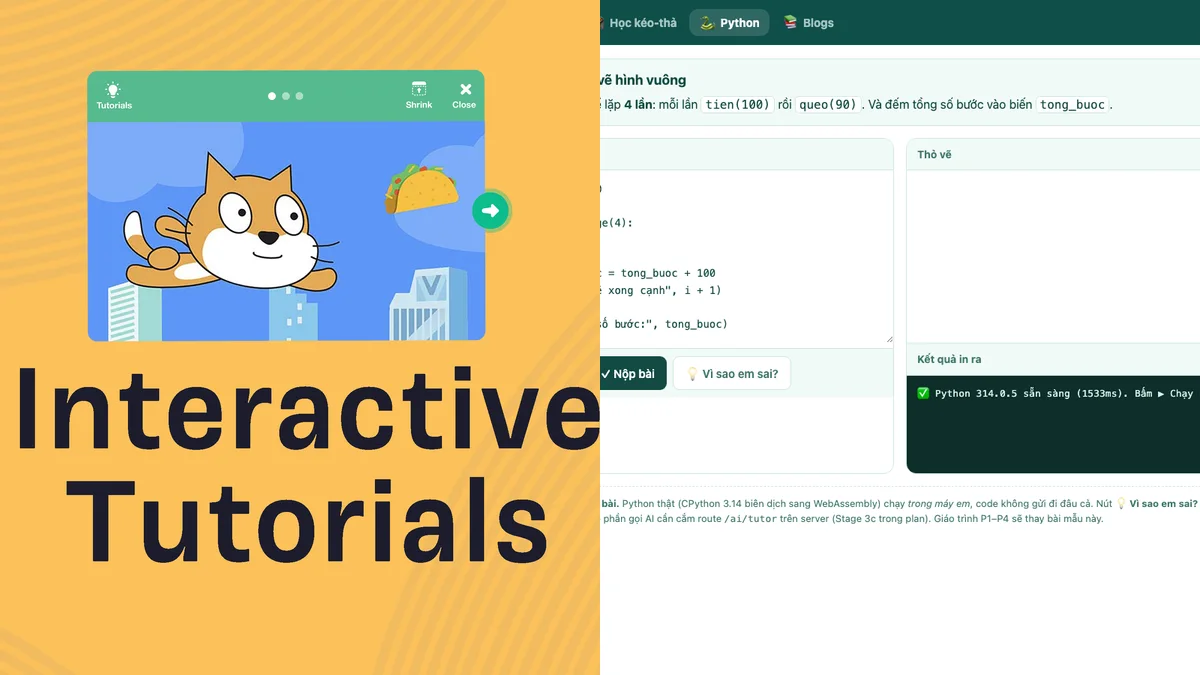
Many parents start with the question “Should my baby learn Scratch or Python?” But before the tool name, we should ask: what kind of challenge is the child ready for? A child needs to see action and results immediately. An older child can read the instructions, type accurately, and patiently find a missing parenthesis.
Therefore, a good roadmap should go from visual experience to concepts, then to syntax. Children do not need to leapfrog to prove that they learn quickly.
Four-stop route for children
Why is a drag-and-drop game a good place to start?
Command blocks reduce unnecessary mistakes at the early stages: mistyping names, forgetting colons, or incorrect indentation. Thanks to that, the baby's attention lies on the more important question: does this order bring the character to the right place?
“Game” here does not mean just clicking to receive rewards. A good learning game must create meaningful choices. The child pulls an order because he has observed the map, seen the results of the decision, and had the opportunity to correct it. The fun part makes your baby want to try again; The challenging part makes thinking active.
How does AI give instructions so as not to do it for you?
When a child is stuck, a good instruction should go in the order of easy to difficult:
- Reminder to observe: “Look where the Rabbit stops okay.”
- Strategy suggestion: “Are there any similar road segments?”
- Zone: “Try checking the two command blocks after the first turn.”
- Partial illustration: only if needed, give an example in a small paragraph — not complete the whole lesson.
AI is suitable for this role because it can respond according to each child's specific errors. But the design is more important than the technology itself: AI should ask questions to make the child think, not create a habit of clicking "ask for the answer".
Enough hints: after reading, the child still has to make at least one decision on his own. If your child just copies, the suggestion has gone too far.
Concepts you should be familiar with first Python
- Sequence: the machine executes commands in a clear order.
- Loop: collects repetitive actions so that the solution is short and easy to understand.
- Condition: if a situation occurs, choose the appropriate action.
- Variable: a named place to store information that can be changed change.
- Function: names a group of operations for reuse.
- Debugging: compares what you predict with what the program actually does.
You don't have to get the call right. All terminology now. It is important that the baby has experienced the idea: "this part repeats", "if there is a rock then turn", "I want to remember the number of carrots". When switching to Python, the name and syntax are only attached to an existing understanding.
When to switch from drag-and-drop to Python?
Switch gradually when your child can solve sequences and loops on his own, read short instructions, is not too tired to type, and is willing to be patient with syntax errors. No need to completely abandon drag-and-drop. The two forms can be parallel: using blocks to explore new ideas, using Python to re-express familiar ideas.
Python is often chosen because the commands are relatively easy to read, but Python is still a literal programming language, not "low-level" in the technical sense. For children, this should be seen as an increase in abstraction: from images and operations to more precise words and rules.
How should parents accompany?
Don't immediately ask "Did you do it right?". Try asking “What do you predict will happen?”, “What did you try?” or “What if I change a block of commands?”. Praise efforts to observe and correct specific errors, not just intelligence. Each session of 15–25 minutes, ending when your child is still interested, is often more effective than a long, stressful session.
A good starting point
Let your child play drag-and-drop cards with a clear goal, increasing the difficulty step by step and receiving just enough hints. Once your child is used to thinking in sequences, loops, and conditionals, introduce Python as a new way of writing — not a syntax race.
Start with a visual challenge
Karotto takes your child from move commands to loops, conditionals, functions, and step-by-step lists stage.
Explore drag-and-drop locks →